
Organize products and categories
An organized catalog makes checkout and reporting clearer.
 Organize products and categories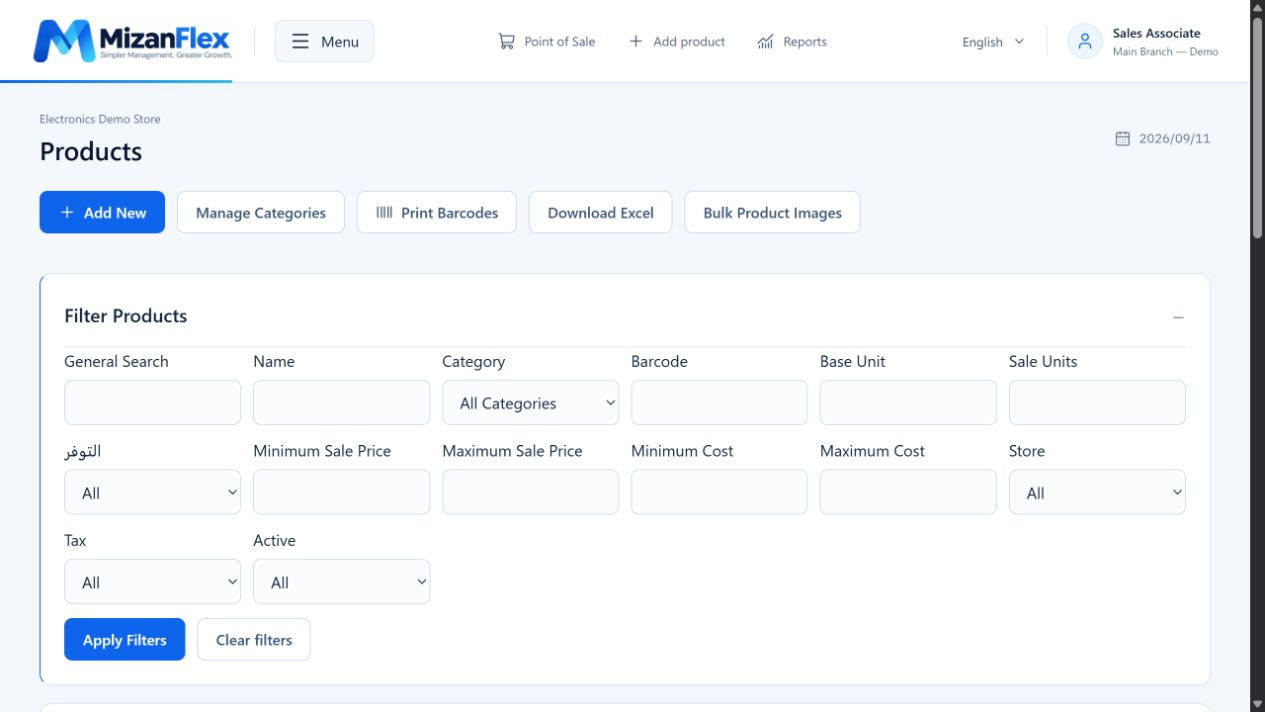
Start with categories and suppliers
Create clearly named categories and suppliers. For shelf vendor products, set up the vendor and agreement first.
Add product details
Enter the name, category, barcode, unit, cost and selling price. Assign a supplier and shelf vendor where needed.
Add images and quantities
Add a clear product image and record stock through the appropriate workflow, such as a purchase invoice or stock adjustment.
Moving a large catalog
Use catalog import tools and review the file and preview before confirming. Try a small batch first to check barcodes, categories and prices.