
Reports and Excel exports
Move from a business overview to category or product detail.
 Reports and Excel exports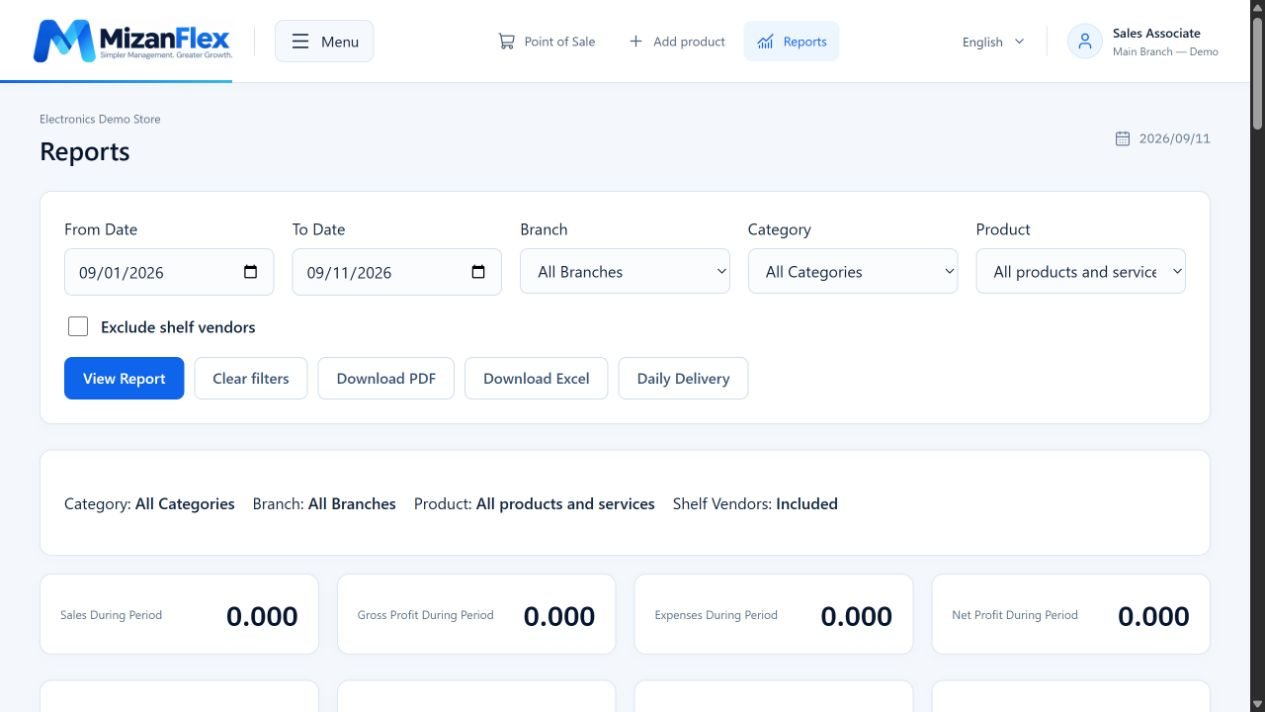
Choose period and location
Open reports and choose the date range and branch relevant to your question.
Narrow the report
Select a category or product. Exclude shelf vendors when you need to review only your own products.
Review and export
Apply filters and review results, then download Excel or PDF. Check that your date range and filters match the intended scope.